
Welcome to Logos Red, I go by logos and:
Want to hunt for breached credentials?
Make sure you do so ethically.
I don’t usually start my posts off in such a manner but I really want to emphasize the legality. More information down below.
This post will examine the methods for hunting breached credentials and how they can help improve a company’s security posture. We’ll explore the current landscape featuring sites such as EXPOSED, BreachDirectory, and DeHashed.
Don’t worry, I made it as simple as I could. Anybody can follow along.
My Promise
This post will finally end your meaningless search for a valid answer, and you will leave with the methodology for hunting breached credentials.
If there are still any questions left, let me know so I can add it to help the next person who will arrive here.
My Goal
To help you improve in less time than it took me and to make sure you leave with what I promised.
I want you to join our community and for this to be a place that you revisit often.
DISCLAIMER
There is a fine line between ethical and unethical when it comes to OSINT but especially breached credentials.
There are three cases in which you would use breached credentials:
- Protecting yourself or your close contacts.
- Protecting a company
- To harm others
If you are in the latter group, you’ll misuse any info I provide, no matter what I say. But, I want to emphasize this. You can use this info to protect yourself. And, you can inform others to help them protect themselves. This data can be used to inform a company before a bad actor does.
Use this information ethically.
Use your OSINT skills to help find missing people
If you want to practice your OSINT skills, you can do so by helping families find their missing loved ones. Be the person who solves a human trafficking case. Not the one that used breached credentials to harass people.
Become an investigator and join the movement over at TraceLabs: https://www.tracelabs.org/
Requirements
- An OSINT lab, such as the one I built here: OSINT Investigations: A Guide to Setting Up a Virtual Lab
- Google Dorking Skills: Uncover Hidden Data: Google Dorking & Search Engines OSINT
How are Emails Leaked?
There are three main ways that emails get put out on the internet:
- User Shared Data
- This is data that a user willingly put out on the internet, such as on a LinkedIn profile
- Data Brokers
- Companies often sell your signup emails to advertisers and marketers. After they’re done using the data, the marketing companies sell your personal info to users via online tools. The cycle continues.
- Data Breaches
- This happens whenever a hacker breaches a company and steals its data. Often containing a name linked to an email, phone number, and possibly a password hash.
As for any public information that touches the internet, it gets turned into the idea of profit. You’ll find people trying to sell off such data in “forums” such as the infamous BreachForums ( http://breached.vc/ )
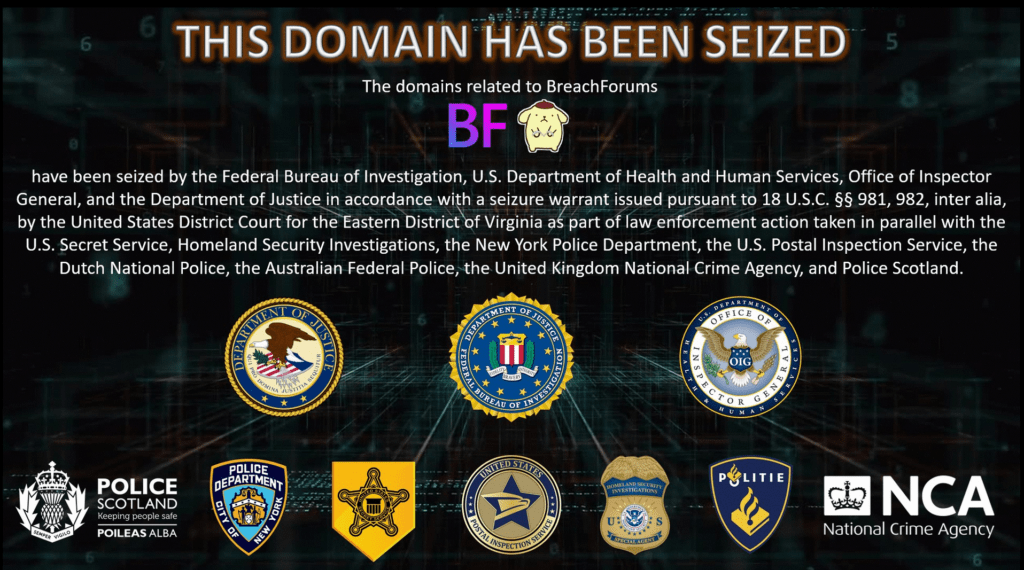
I can’t help but really love the way the FBI changed their domain-seizing pages from the 2010s. Look, they put PomPomPurin in handcuffs:

If you’re not familiar with data leaks, I recommend watching videos from Crumb or MentalOutlaw. Some of the best and most entertaining videos on how bad opsec happens.
Anyways, these databases often get put out on forums and are a major source of OSINT, phishing, scams , spam emails, etc.
Methodology for finding emails
Using Search Engines
The first place that you should look for is Google, Bing, and Yandex. Let’s take a look and find “@logos-red.com” emails.
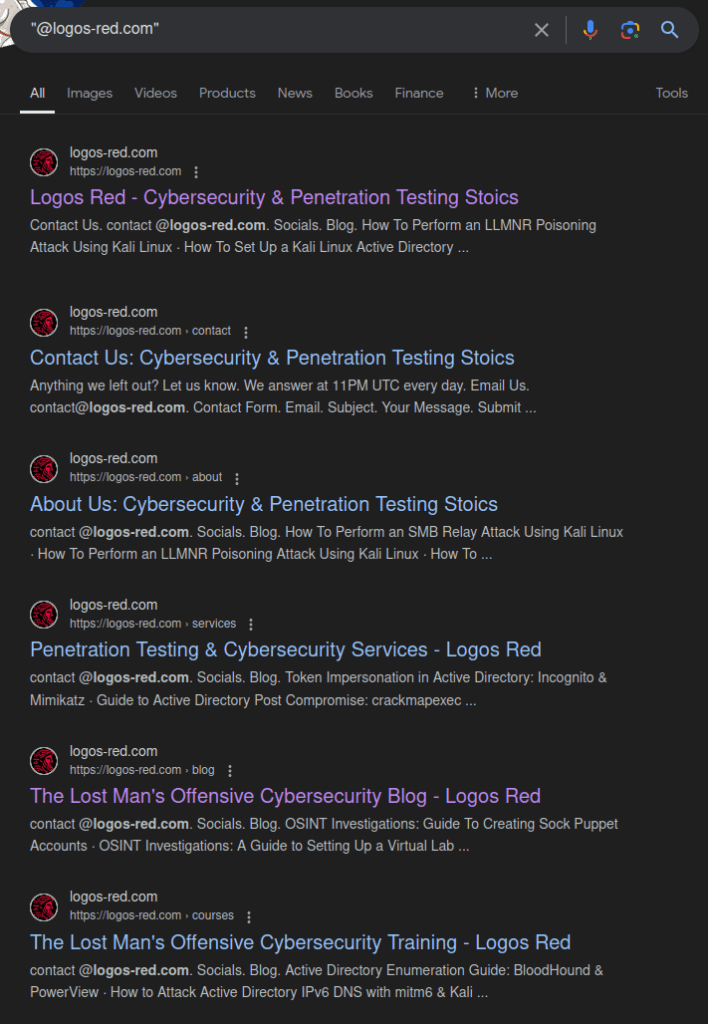
And just like that we’ve found “[email protected]”. Companies often have custom e-mails related to their domain that you can search up.
Let’s say we’re doing a penetration test for IBM; well, we can probably find “@ibm.com” or “@staff.ibm.com” or “@dev.ibm.com”
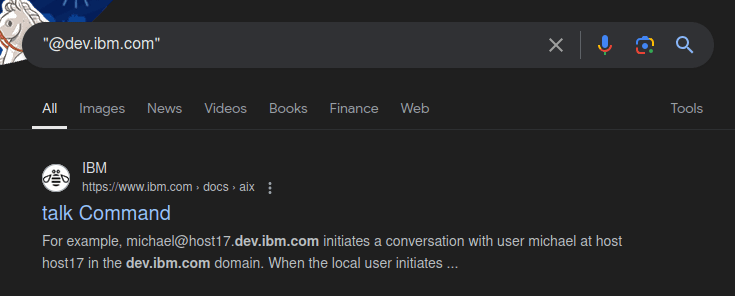
Companies will have different structures for their employee emails, and it might follow:
- first_name.last_name@company.com
- first_name.last_name[email protected]
- last_name.first_name@department.company.com
- …
This is where you need to practice your Google dorking skills, as detailed in my tutorial here: Uncover Hidden Data: Google Dorking & Search Engines OSINT.
Search around and see if you can find any indicators as to how the company assigns emails. Social media can be a great giveaway.
I’ll explain manual database searching more in the “Hunting for Breached Passwords” section.
Automating the Search
If you don’t want to manually search on Google or through Twitter for leaked databases, there are websites that do the work automatically for you.
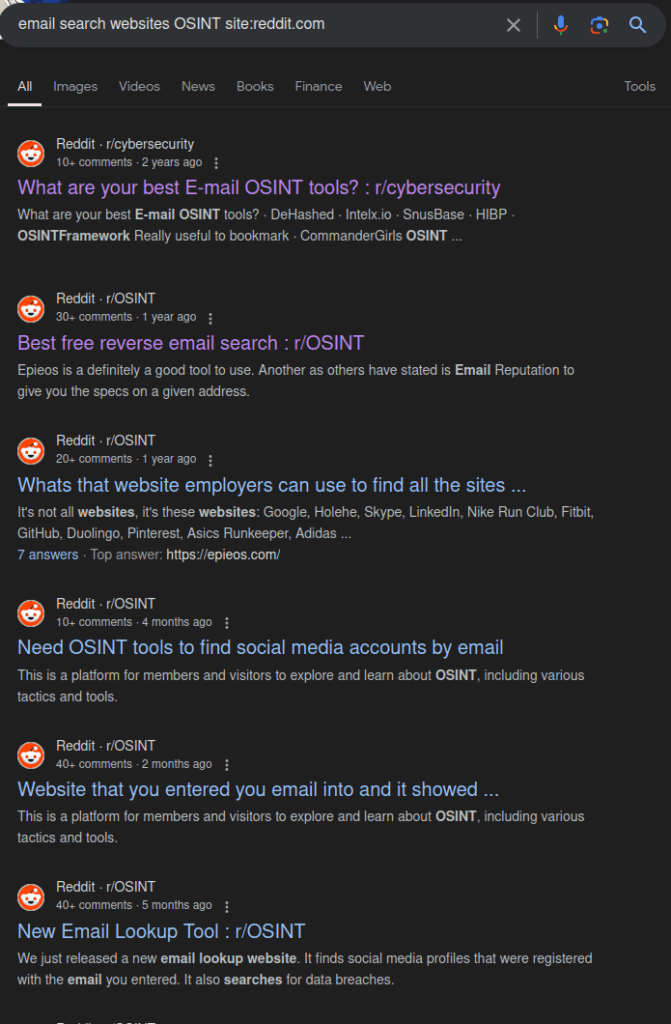
There are hundreds out there, so I just want to implant the methodology in how you can find these. My go-to Google search is:
“<anything> site:reddit.com”. So let’s look at email searching websites, for example:
But a good reference point is https://osintframework.com/
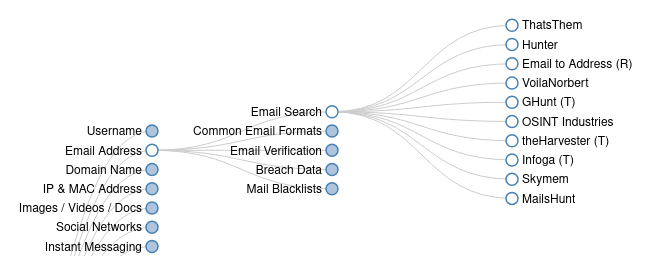
Some of the most well-known are
- https://thatsthem.com/reverse-email-lookup
- https://hunter.io/
- https://www.voilanorbert.com/
- https://clearbit.com/resources/tools/connect
Let’s say that we know of an “Andy Cardwell” in New York who is working for the company we are assessing and we want to find out his email for an internal assessment.
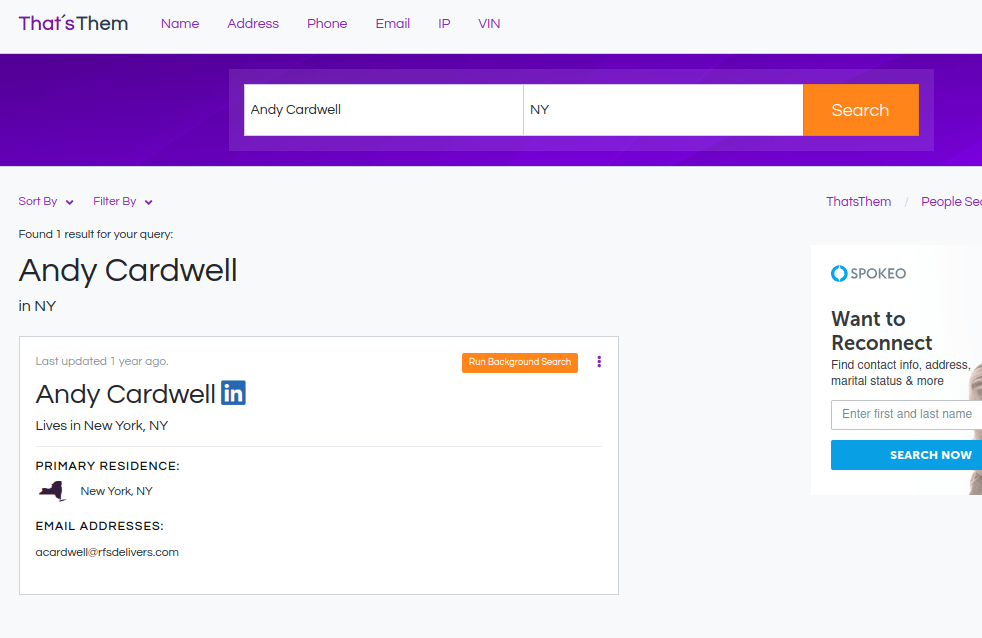
You add a simple name and a city, and just like that you’ve got a LinkedIn. You use your sock puppet account to verify it is him by his LinkedIn image (OSINT Investigations: Guide To Creating Sock Puppet Accounts)
It’s as simple as following what the tool has to offer. I can’t teach you much more than that, and getting your googling skills up to par to find other tools, r/OSINT is a great resource for that.
And with only a name and a common city, we’ve managed to find somebody’s email. Isn’t that bewildering?
Verifying an Email Address
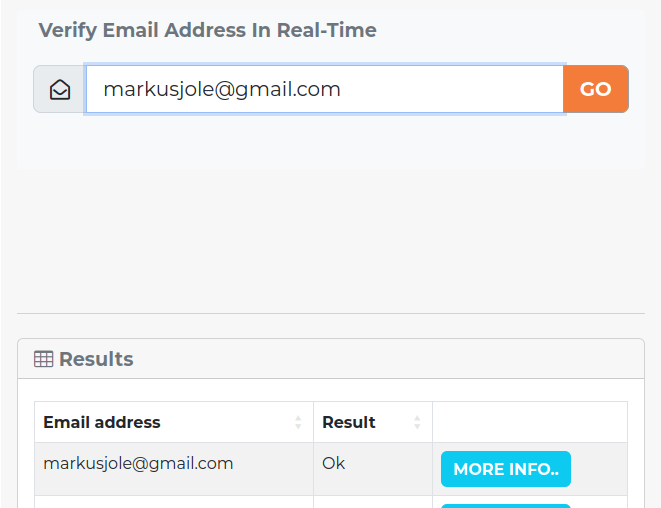
The last step to do is to verify if the email is accurate.
There are tens of methods for doing this; some are:
- Emailing the person and seeing if you get a response.
- Using online verification tools.
- Google dorking.
- Entering the email into social media.
The main automation tools are:
It’s a lot of trial and error in this phase.
Hunting for Breached Passwords
Ethically. Be very careful here.
Now that we’ve found an email, we will most likely need a password to go along with it. These passwords can be used for development login portals, active directory environments (How To Perform an LLMNR Poisoning Attack Using Kali Linux) and a lot more.
Let’s say we can’t crack a password hash in an internal assessment. But, we find some leaked plain text passwords online. We can hash the plain text password and compare the two; if there’s a match, we cracked a password.
Checking for password breaches
Before attempting to find databases or use password search tools, we can verify if the email has even been in a breach before.
The main website for that is https://haveibeenpwned.com and Google has released its own tool that focuses on information https://myactivity.google.com/results-about-you
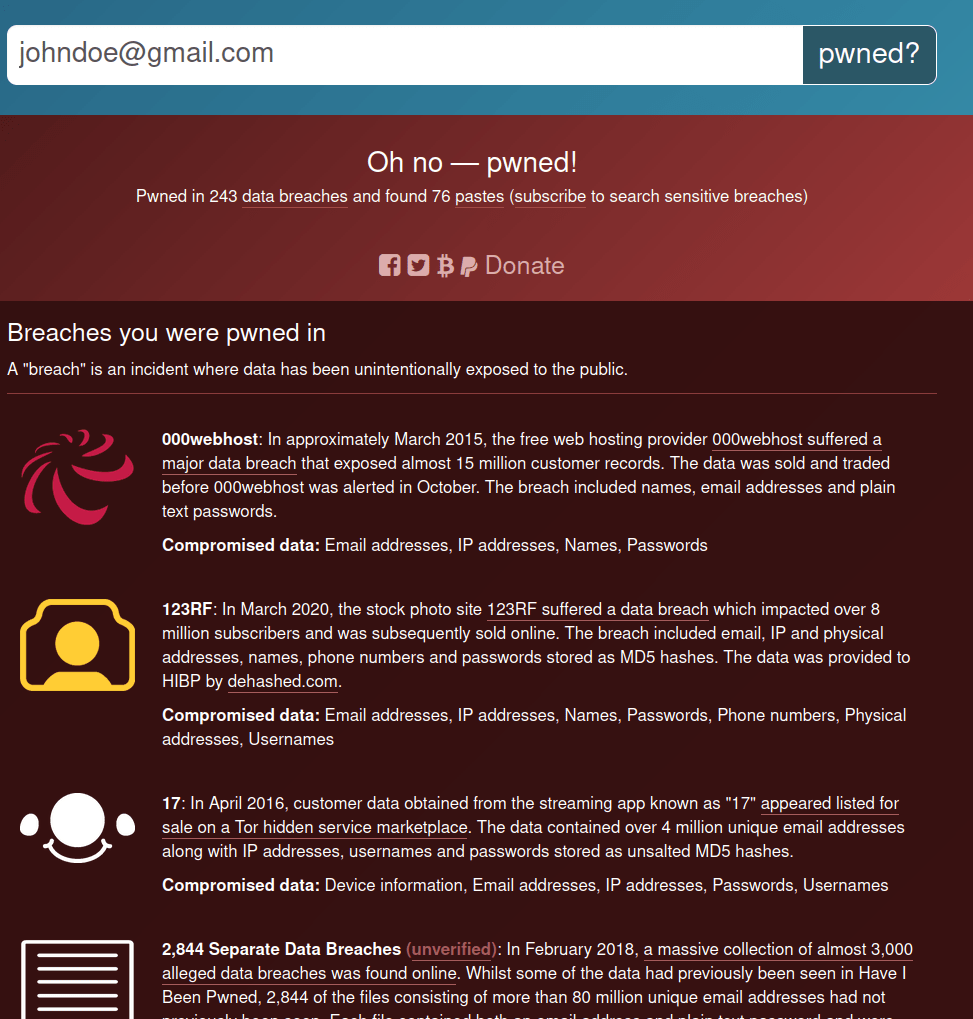
Now we know that the user has been in some breaches before. We can attempt to find the databases manually or automate using websites.
Manual Searching
Once again, forums where databases leak come to mind. You can attempt to Google dork for leaked passwords on the client company’s websites. But the chances of finding something are slim.
You can manually look through ransomware group websites or find Telegram group chats. There you’ll find leaked full-size databases.
Good luck explaining that one to the police if they ever find out that you are a member with downloaded databases.
“I’m a penetration tester using OSINT for an internal assessment.” might not cut it.
Regardless, here are some resources:
- https://github.com/fastfire/deepdarkCTI/blob/main/ransomware_gang.md
- https://sizeof.cat/post/ransomware-darknet-websites/
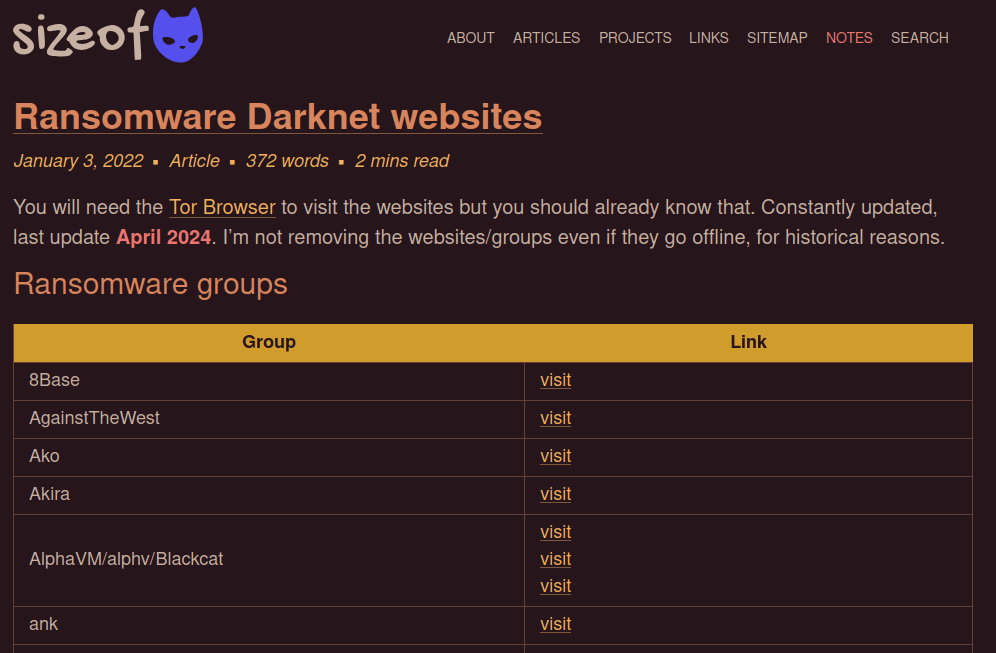
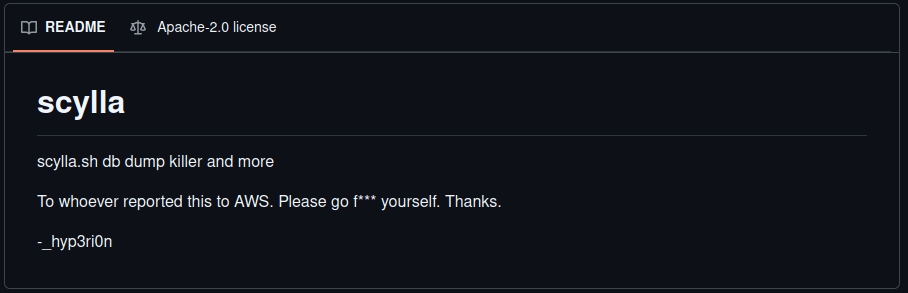
You’re treading on very thin ice, so be careful. I don’t ever recommend manually downloading data and joining these unless it’s a very specific use case.
Don’t end up like this:

Automating the Search
If you want a more “ethical” feel, which really stems off in the same direction but with different outside packaging, you have:
- https://exposed.lol/
- https://breachdirectory.org/passwords
- https://dehashed.com/
- https://snusbase.com/
The first two are honestly pretty good for being free and easily accessible to anyone. These websites collect breached credentials and then either allow users to search for free or offer memberships.
Doesn’t sound ethical, but they can be used to warn users before a bad threat actor performs the same action, but with malicious intent.
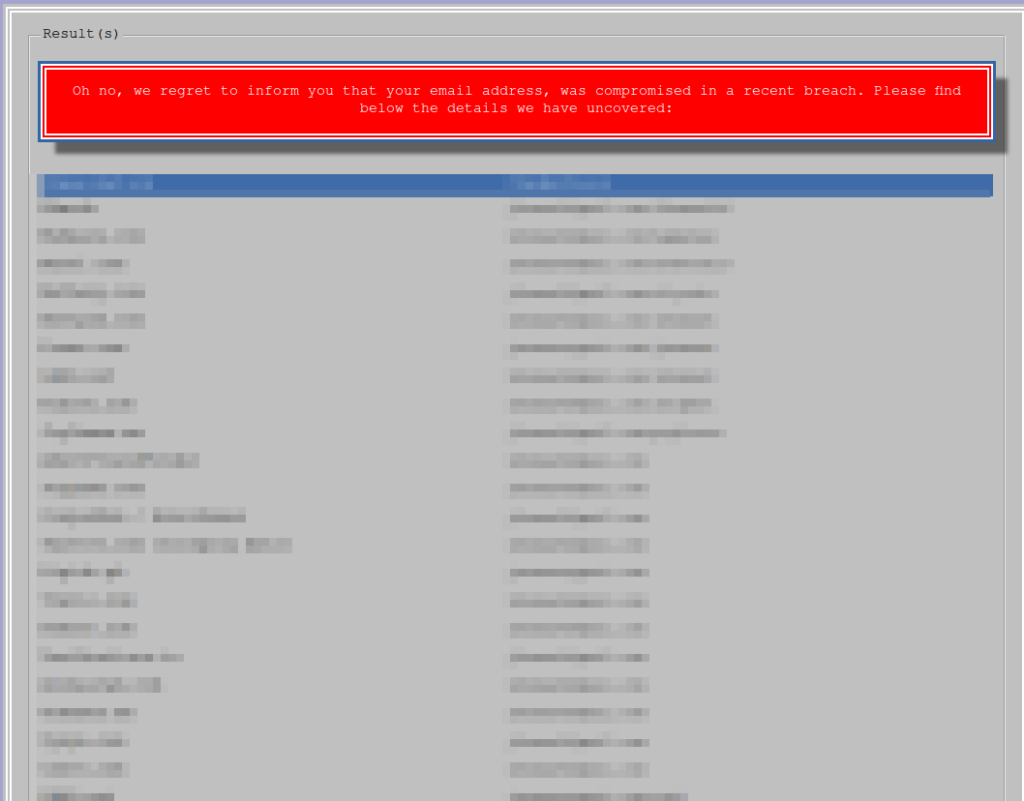
Once again, these websites often change, so you need to get your Google dorking skills up to par and find others.
The main paid tool that you will find recommended is https://dehashed.com/
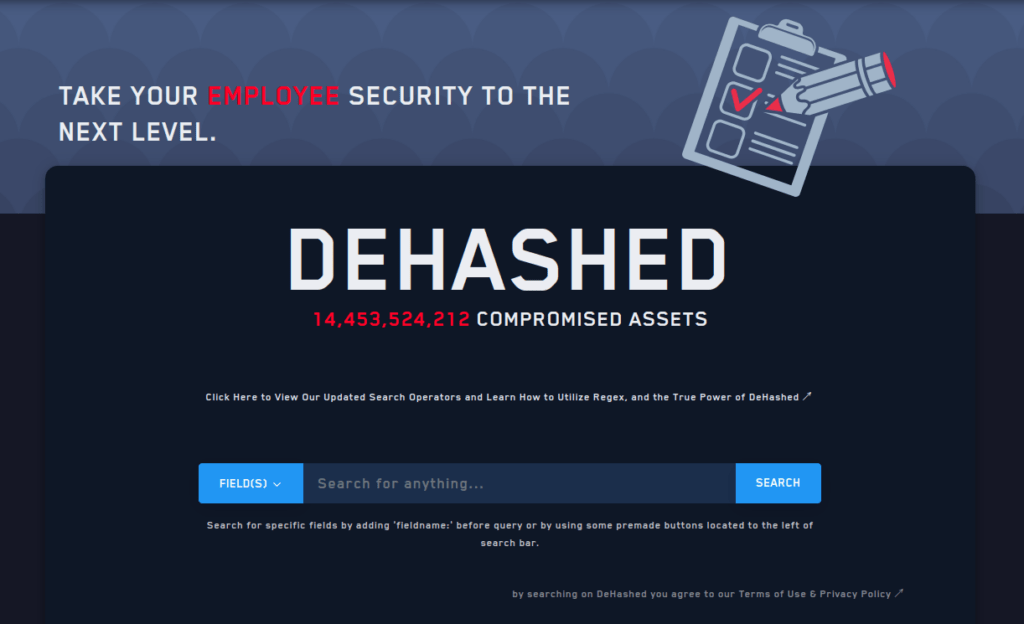
Which levels up the game because you don’t even need an email. You can look up names, usernames, IP addresses, etc, just like our email tools did.
Conclusion
In this post, we’ve covered the essential steps for hunting breached credentials ethically. You now know how to leverage search engines like Google and Bing to find domain-specific emails, and use tools such as HaveIBeenPwned and DeHashed to check for breaches.
We also explored manual and automated methods for finding leaked passwords, emphasizing the importance of staying ethical in your approach.
Along the way, we highlighted key resources for verifying emails, searching databases, and even provided examples of how to uncover data during penetration tests. Now, it’s time to apply these techniques responsibly—whether you’re protecting a company, assisting in investigations, or honing your OSINT skills.
I thank you for reading and I trust that this guide has proved useful.
More Resources
If you didn’t understand something or you need some help, we have our own Discord community and I currently offer free coaching.
You can also leave us some feedback with what you did not understand and we will make sure to correct it.